
M4 MacBook Pro vs M3 MacBook Pro: Unveiling the Key Variances
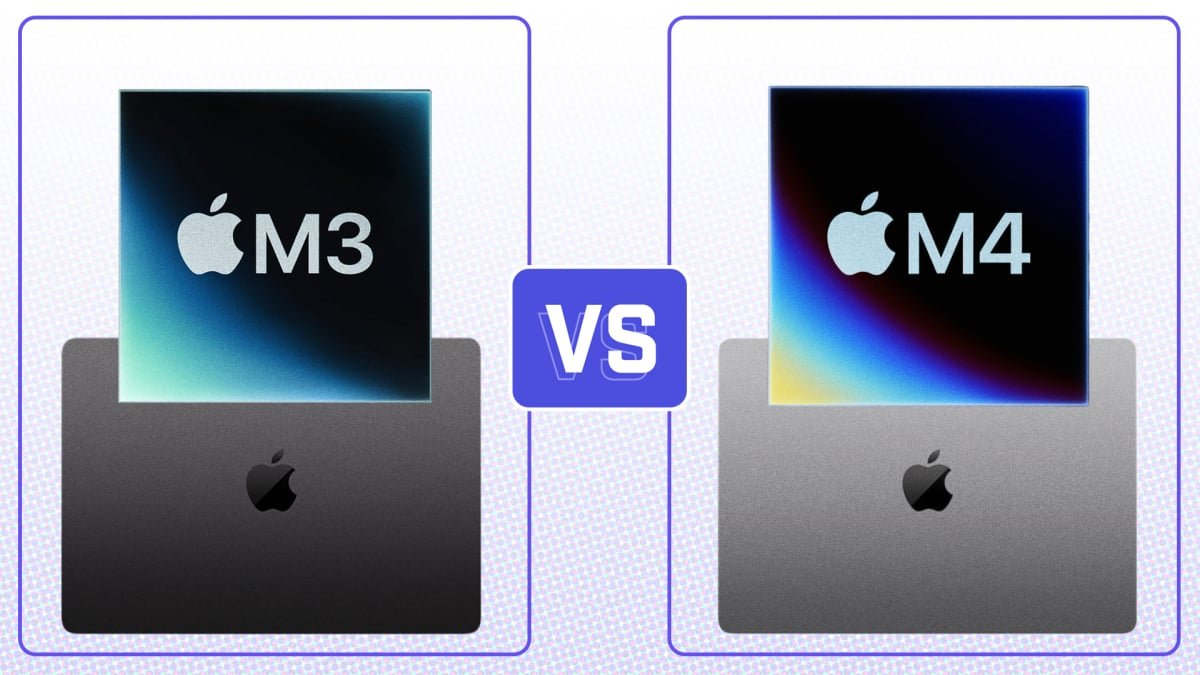
After Apple’s big week of Mac announcements, a face-off between the M4 MacBook Pro and M3 MacBook Pro is a must. The new M4 model comes with a more powerful chip compared to last year’s M3 version. But there are also upgrades in port selection, RAM, and even color choices this year. Let’s see how the M4 MacBook Pro compares to its predecessor.
Price and Specs
The M3 MacBook Pro is no longer available directly from Apple, but you can still find it at Best Buy. On the other hand, the M4 MacBook Pro is available at various retailers starting at $1,599 with upgraded specs like a more powerful chip, more RAM, and the same storage capacity. The base model of the M4 offers 16GB of RAM, a significant improvement over the M3’s 8GB.
Display
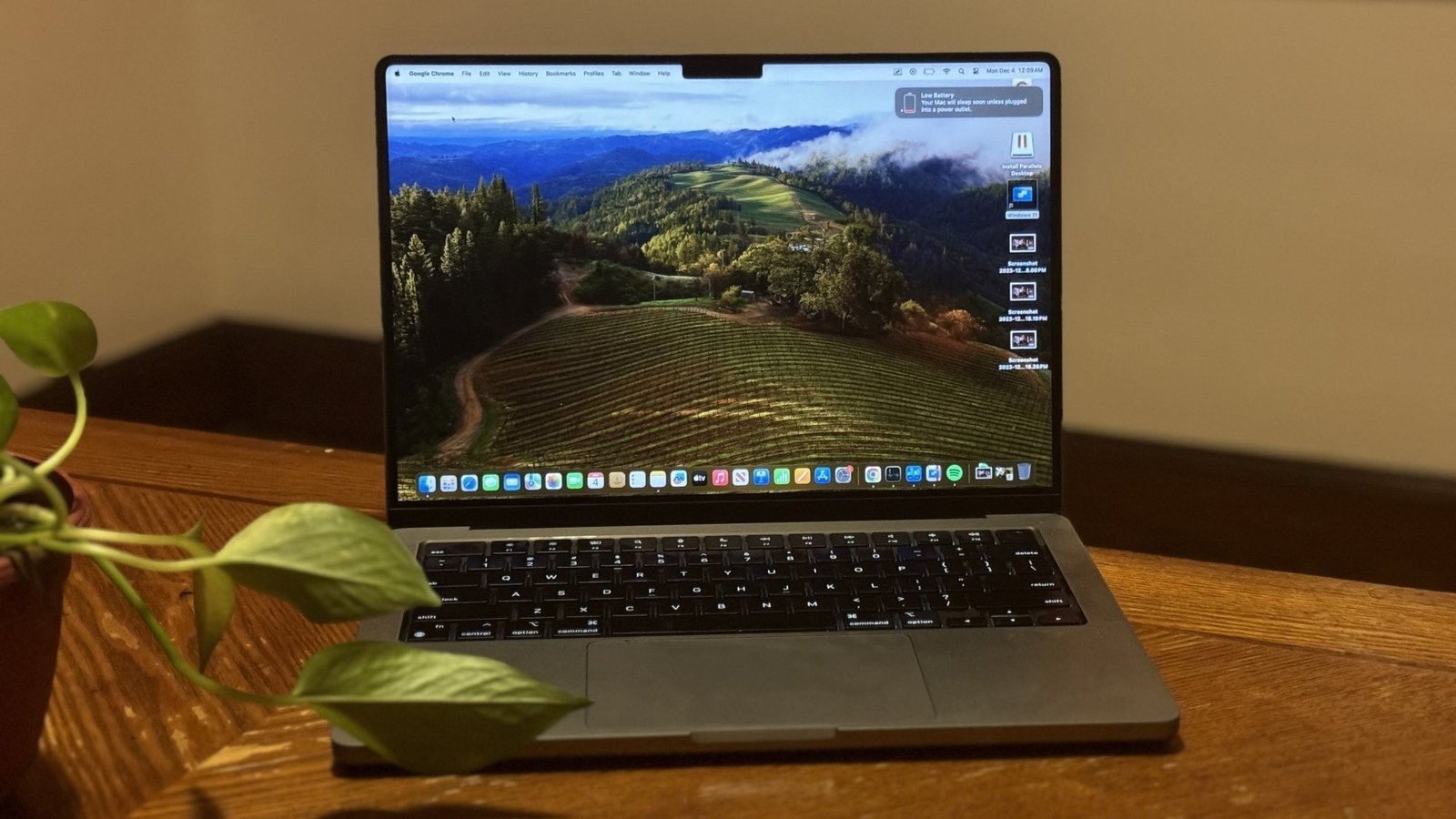
The displays on both models are almost identical in terms of resolution, aspect ratio, and pixel density. However, the M4 MacBook Pro offers a higher peak SDR brightness and a nano-texture display option to reduce glare in challenging lighting conditions. This could be a game-changer for users who work in bright environments.
Design

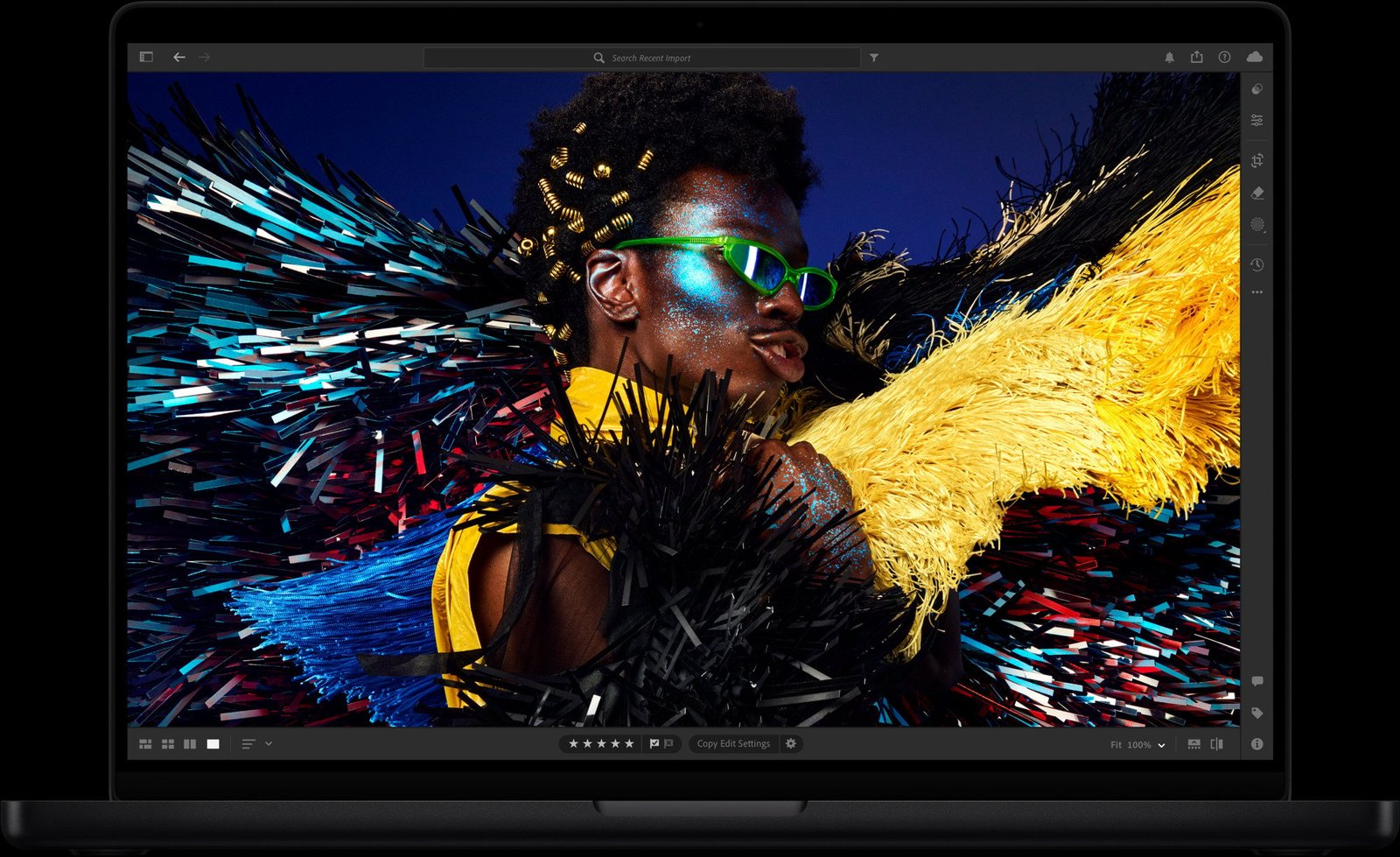
The M4 MacBook Pro comes in a new Space Black color option, in addition to the traditional silver. The dimensions of the M4 remain the same as the M3 model, but the addition of a new color and improved internals make it a worthy upgrade. The design elements of the M4 MacBook Pro offer a sleek and professional look that appeals to a wide range of users.
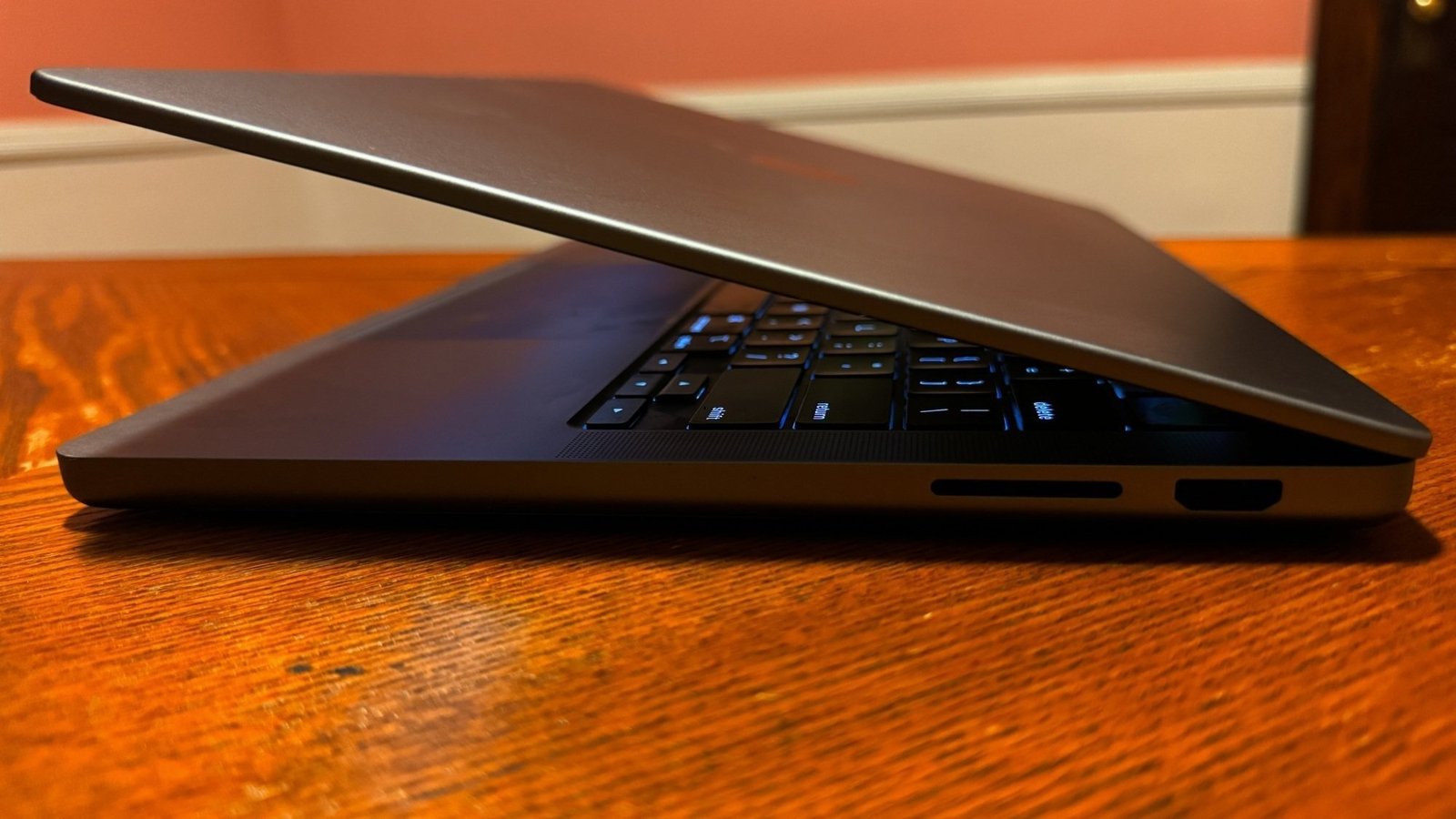
Another physical differentiator between the M3 and M4 MacBook Pros is the addition of a third Thunderbolt 4 port.
The M3 model only had two, while the M4 model has three, giving users more flexibility with external displays. Aside from that, the port selection is the same across both devices: an SD card slot, a 3.5mm headphone jack, an HDMI port, and a MagSafe port for charging.
No, there are no USB type-A ports.
M4 MacBook Pro vs. M3 MacBook Pro: Performance
We had both MacBook Pros run Primate Labs’ Geekbench 6 CPU benchmark, which measures processor performance in several common tasks to produce a multi-core score. The higher the score, the better.
The 14-inch M3 MacBook Pro notched a multi-core score of 11,998, making it 18% speedier than its M2 predecessor. Meanwhile, the 14-inch M4 MacBook Pro got a score of 15,199, making it 24% faster than the M3 version and 40% faster than the M2 one. That’s a pretty significant performance boost.
M4 MacBook Pro vs. M3 MacBook Pro: Battery life
Apple rated the M4 MacBook Pro at up to 24 hours and the M3 version at up to 22 hours. However, we found their battery lives to be effectively identical in practice. The M4 model held out for 16 hours and 32 minutes in our battery life test, while the M3 version lasted 16 hours and 23 minutes. That’s a difference of less than 10 minutes.
Winner: Tie
M4 MacBook Pro vs. M3 MacBook Pro: Which should you buy?
The latest M4 MacBook Pro
If snagging a nano-texture display, getting three Thunderbolt 4 ports, and having a minor boost in power isn’t enough to sway you, the M3 MacBook Pro should be sufficient enough to meet your needs.