How to Get the Search Bar Up Top on iOS 26 – Easy Peasy!
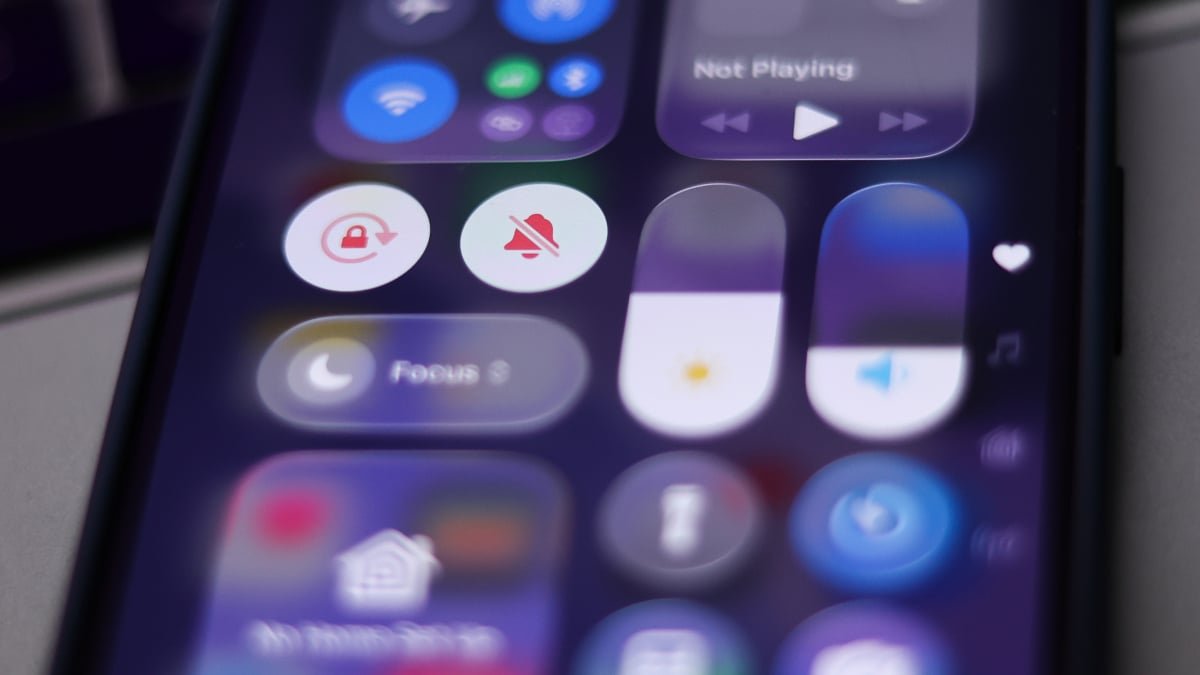
Guess what? Apple just released iOS 26, and it comes with a brand-new Liquid Glass design that has users talking. As usual, whenever Apple makes a major visual change, opinions start flying around like crazy. Some love the new elastic animations and semi-translucent app designs, while others are struggling with the new dark mode and the placement of the search bar at the bottom of the screen. It’s a mixed bag of reactions out there!
Customization is key in iOS 26, with users finding quick fixes for various quirks. However, one thing that seems to be causing frustration is the search bar’s new location. It’s now at the bottom of the screen, which goes against years of muscle memory for many of us. But hey, at least there are options to tweak things in the Safari settings if you can’t stand looking at that lower third of your screen.
How to Adjust the Safari Search Bar in iOS 26
Do you want to move the Safari search bar to a different location in iOS 26? Here’s a quick guide to help you out:
Step 1: Go to settings
Step 2: Scroll (or search) for Safari
Step 3: Scroll to “Tabs”
Step 4: Select “Top”
By following these steps, you can choose between a Compact, Bottom, or Top position for Safari’s search bar. It’s all about making your iOS experience more personalized and user-friendly!